No products in the cart.

Only this weekend
Super Discount
Items on sale this week
Top picks this week. Up to 50% off the best selling products.
Price (Inc. Tax): KSh8,120
Video Quality: Full HD 1080p at 30 fps
Connectivity: USB-C
Field of View: 78 degrees
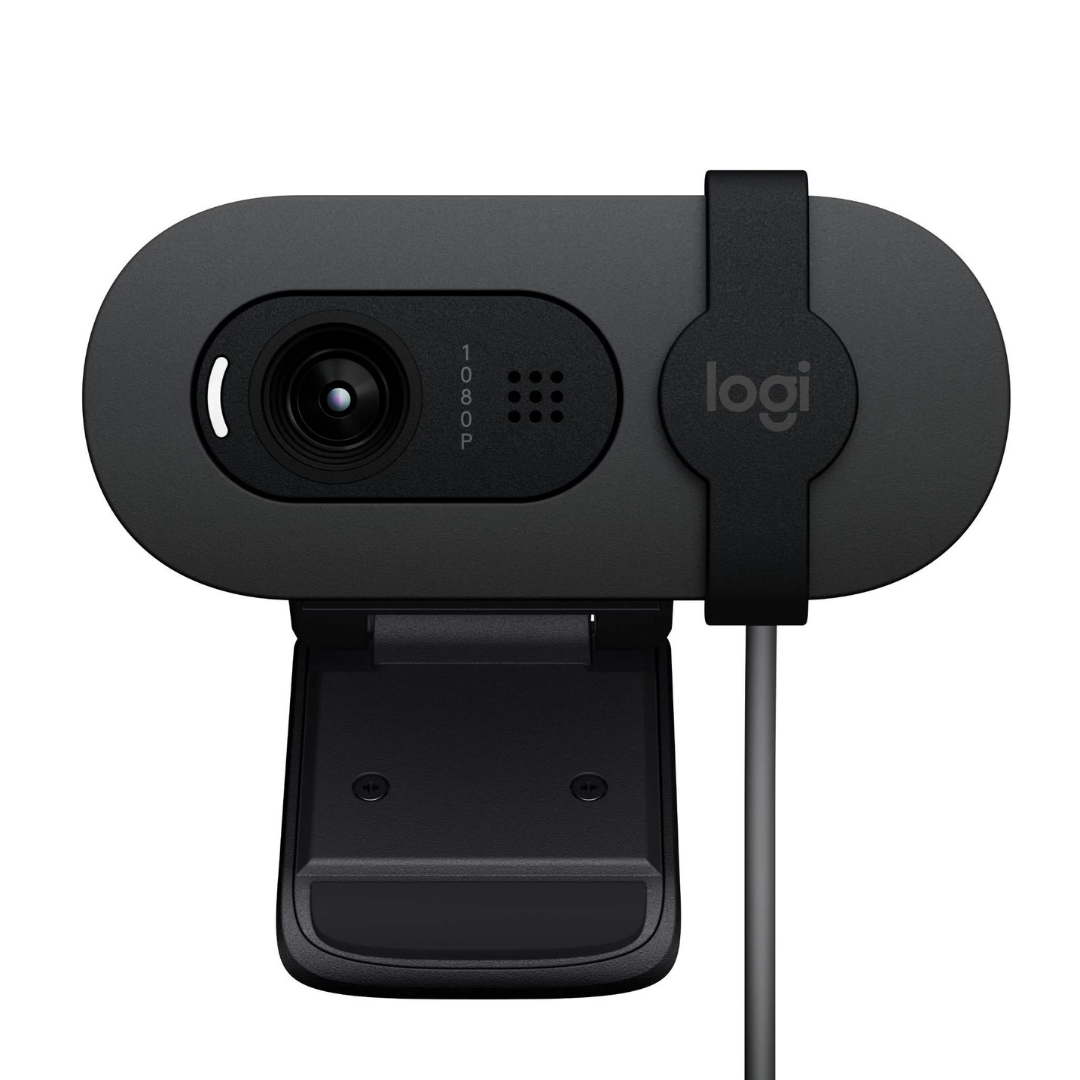
The Logitech Brio 100 Full HD Webcam is a top-tier webcam designed for users who demand high-definition video quality for streaming, video calls, content creation, and online meetings. Featuring Full HD 1080p resolution and advanced features, the Brio 100 is an excellent option for professionals, content creators, and anyone looking to elevate their online video communication experience.
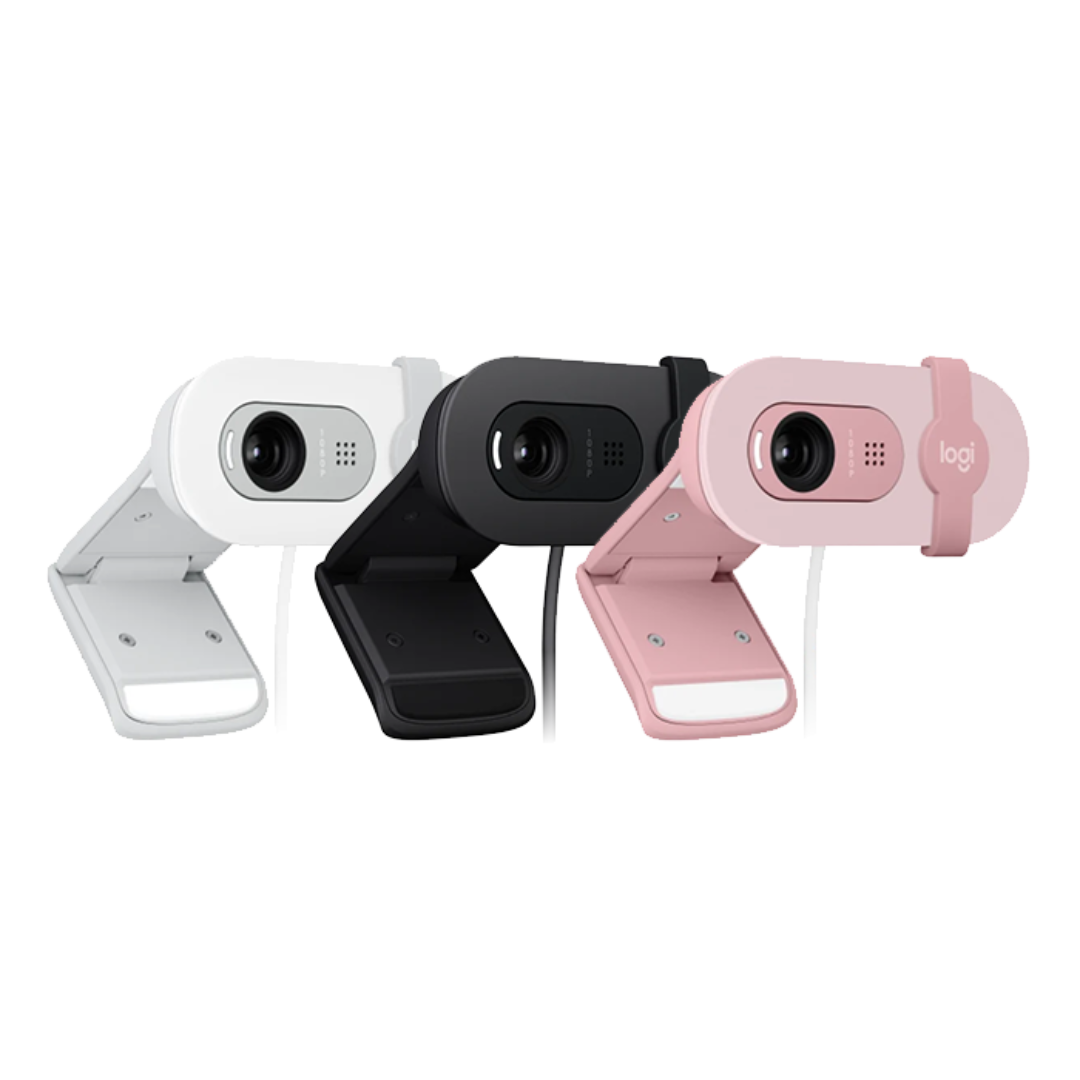
Available in a sleek Graphite color, the Logitech Brio 100 Full HD Webcam combines modern design with cutting-edge technology, ensuring you stand out during video conferences, live streams, or virtual hangouts. This webcam connects seamlessly via USB-C, making it compatible with a wide range of modern laptops, PCs, and devices with USB-C ports, providing you with a hassle-free plug-and-play experience.
Whether you’re attending virtual meetings, engaging with family and friends, or streaming to your audience, the Logitech Brio 100 Full HD Webcam ensures high-quality, clear, and vibrant video. It’s engineered to deliver professional-grade performance with easy setup and versatile functionality.
Full HD 1080p Video Quality
The Logitech Brio 100 Full HD Webcam captures sharp and detailed video in Full HD 1080p resolution. This ensures crisp, clear visuals during video calls, conferencing, streaming, or content creation. With a frame rate of up to 30 frames per second (fps), the Brio 100 ensures smooth and lifelike video, ideal for professional environments or casual virtual conversations.
USB-C Connectivity
Equipped with a USB-C connection, the Logitech Brio 100 Full HD Webcam provides fast and reliable data transfer, ensuring that your video feed is delivered with high fidelity and minimal latency. USB-C is becoming the standard for many modern devices, and this webcam’s USB-C compatibility offers superior performance, especially with newer laptops, desktops, and mobile devices that support this connection type.
Wide Field of View
The Logitech Brio 100 Full HD Webcam boasts a 78-degree field of view (FOV), allowing you to capture a wider scene during your video calls or streaming sessions. Whether you’re sitting at a desk, standing, or sharing documents, this wide field of view ensures that you remain in frame and allows for greater flexibility in how you position yourself for calls or recordings.
Automatic Light Correction
One of the standout features of the Logitech Brio 100 Full HD Webcam is its automatic light correction. This webcam is designed to adapt to various lighting conditions, ensuring you always look your best, whether you’re in a dimly lit room or brightly lit space. It automatically adjusts the exposure, so you don’t have to worry about poor lighting affecting your video quality.
Built-In Microphone
The Logitech Brio 100 Full HD Webcam includes an integrated Omni-directional microphone, designed to capture clear audio from your environment. While the primary focus of the webcam is on high-quality video, the built-in microphone ensures that your voice is transmitted clearly during virtual meetings or streaming sessions, without the need for an external mic.
Compact and Modern Design
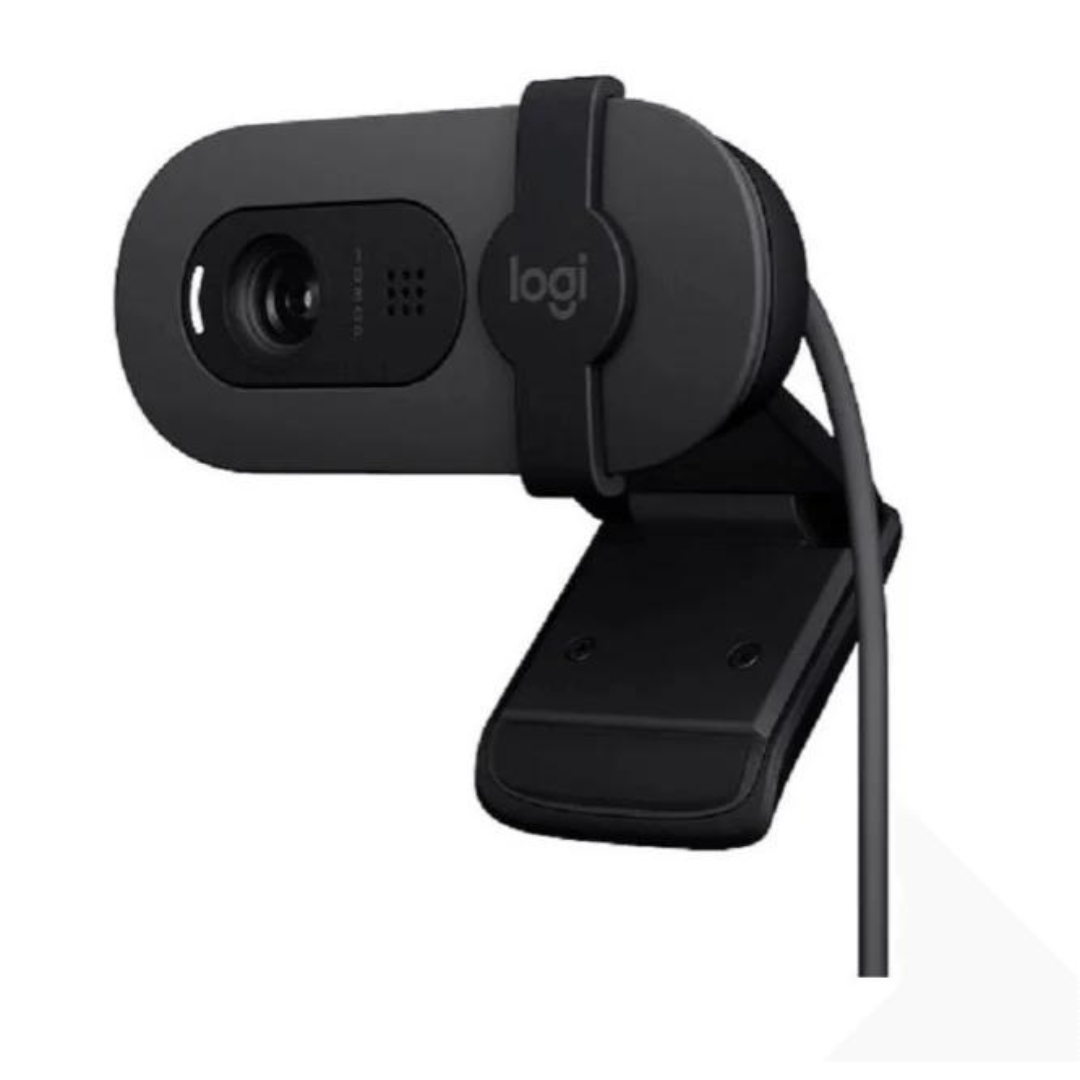
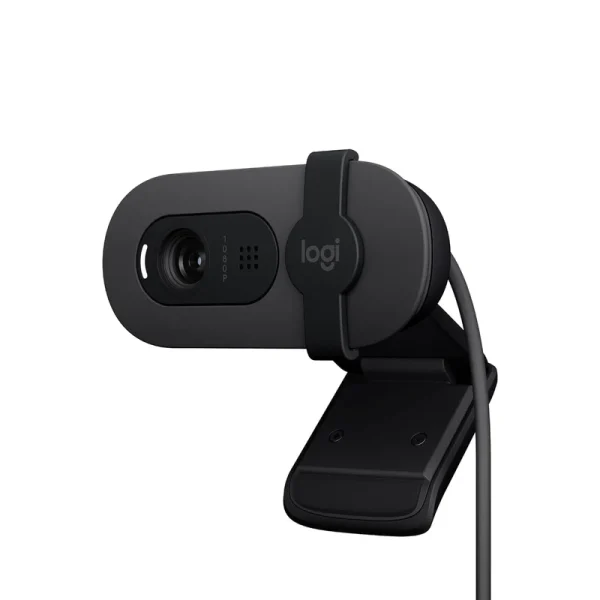
The Brio 100’s sleek, Graphite-colored design complements any workspace or setup. The Logitech Brio 100 Full HD Webcam is compact and lightweight, making it easy to position on top of your monitor or laptop. Its versatile mount can also be used on a tripod, giving you flexibility when it comes to camera positioning.
Plug-and-Play Setup
The Logitech Brio 100 Full HD Webcam is a plug-and-play webcam that doesn’t require additional drivers or software to operate. Simply plug the USB-C cable into your device, and you’ll be ready to start streaming or making video calls in seconds. The easy installation and compatibility with a range of operating systems, including Windows and macOS, make the Brio 100 an accessible solution for users of all technical levels.
Compatibility with Popular Software
The Logitech Brio 100 Full HD Webcam is fully compatible with a variety of popular video conferencing and streaming platforms, including Zoom, Microsoft Teams, Skype, Google Meet, YouTube, and Twitch. It’s also compatible with third-party video capture software, giving you the flexibility to customize your streaming or recording experience as needed.
Affordable High-Quality Video: The Logitech Brio 100 Full HD Webcam provides 1080p Full HD video at a more affordable price compared to premium webcams, delivering exceptional video quality for personal and professional use.
USB-C Convenience: Thanks to USB-C connectivity, the Brio 100 ensures fast data transfer and reliable connection with modern devices, offering a future-proof choice for video communication.
Automatic Lighting Adjustment: Whether you’re in a dark room or bright lighting, the Logitech Brio 100 Full HD Webcam automatic light correction feature guarantees that you’ll look your best during video calls or streaming sessions.
Compact and Flexible: The Logitech Brio 100 Full HD Webcam compact design and adjustable mounting options make it suitable for a wide range of setups, from desktop workstations to on-the-go use with laptops.
Plug-and-Play: The easy-to-use plug-and-play feature allows users to set up the webcam in seconds, without the need for additional software installation or configuration.
Video Quality: Full HD 1080p at 30 fps
Connectivity: USB-C
Field of View: 78 degrees
Microphone: Built-in omni-directional microphone
Automatic Light Correction: Yes
Mounting: Adjustable clip (fits most monitors) and tripod-compatible
Compatibility:
Windows 10, 8.1, 8, 7 (32-bit or 64-bit)
macOS 10.10 or later
Linux (with UVC support)
Chrome OS
Cable Length: 5 feet (1.5 meters)
Dimensions: 2.7 x 1.1 x 1.0 inches (69 x 28 x 25 mm)
Weight: 0.07 kg (70g)
Unbox the Webcam:
Take the Logitech Brio 100 Full HD Webcam out of its packaging and ensure you have the webcam and the USB-C cable.
Connect the Webcam:
Plug the USB-C cable into the webcam and the corresponding port on your computer, laptop, or compatible device.
Adjust the Webcam:
Place the webcam on top of your monitor or laptop. Adjust the clip for a secure fit. Alternatively, mount it on a tripod for flexible positioning.
Launch Video Software:
Open your preferred video conferencing or streaming software (such as Zoom, Skype, or Teams). The Brio 100 should automatically be detected.
Adjust Settings:
Depending on your software, you can adjust the webcam settings for optimal video quality. The automatic light correction feature should work seamlessly to enhance your lighting.
Start Using:
Once set up, you’re ready to enjoy clear, high-quality video calls or streams.
Remote Workers and Professionals: Whether you’re in a corporate environment or working from home, the Logitech Brio 100 Full HD Webcam is an excellent choice for high-definition video calls and virtual meetings. Its automatic light correction ensures you look your best in any lighting condition.
Content Creators and Streamers: Aspiring YouTubers, Twitch streamers, or anyone creating video content will appreciate the Full HD 1080p video quality and the simple plug-and-play functionality of the Brio 100.
Students and Educators: For those participating in online learning or teaching, the Logitech Brio 100 Full HD Webcam ensures a clear and professional video feed, making it easier to engage with others in virtual classrooms.
Casual Users: If you’re looking for a high-quality webcam for casual use, such as video chatting with friends and family or attending social calls, the Brio 100 provides an affordable, reliable solution.
You can purchase the Logitech Brio 100 Full HD Webcam from the official Logitech website, as well as from local retailers and online marketplaces. For those located in Kenya, visit Radox Kenya to check availability and pricing.
The Logitech Brio 100 Full HD Webcam is a fantastic choice for users who need high-quality video, excellent lighting adjustments, and easy setup. Its USB-C connectivity, 1080p video resolution, and automatic light correction make it ideal for professional environments, content creation, and casual use. Whether you’re attending a video meeting, streaming your gameplay, or connecting with family, the Brio 100 delivers crystal-clear video with superior convenience.
Video Quality: Full HD 1080p at 30 fps
Connectivity: USB-C
Field of View: 78 degrees
Microphone: Built-in omni-directional microphone
Automatic Light Correction: Yes
Mounting: Adjustable clip (fits most monitors) and tripod-compatible
Compatibility:
Windows 10, 8.1, 8, 7 (32-bit or 64-bit)
macOS 10.10 or later
Linux (with UVC support)
Chrome OS
Cable Length: 5 feet (1.5 meters)
Dimensions: 2.7 x 1.1 x 1.0 inches (69 x 28 x 25 mm)
Weight: 0.07 kg (70g)


Reviews
There are no reviews yet.